
Gallery
The challenge
In ride-hailing and chauffeur operations, pricing is rarely one number. An airport run, a late-night trip and a short hop across town are priced differently, premium cars cost more than economy, and demand changes by the hour. Yet many operators still change fares by asking a developer to edit hard-coded values, or by typing a new global surge multiplier into a thin admin form.
Architecture
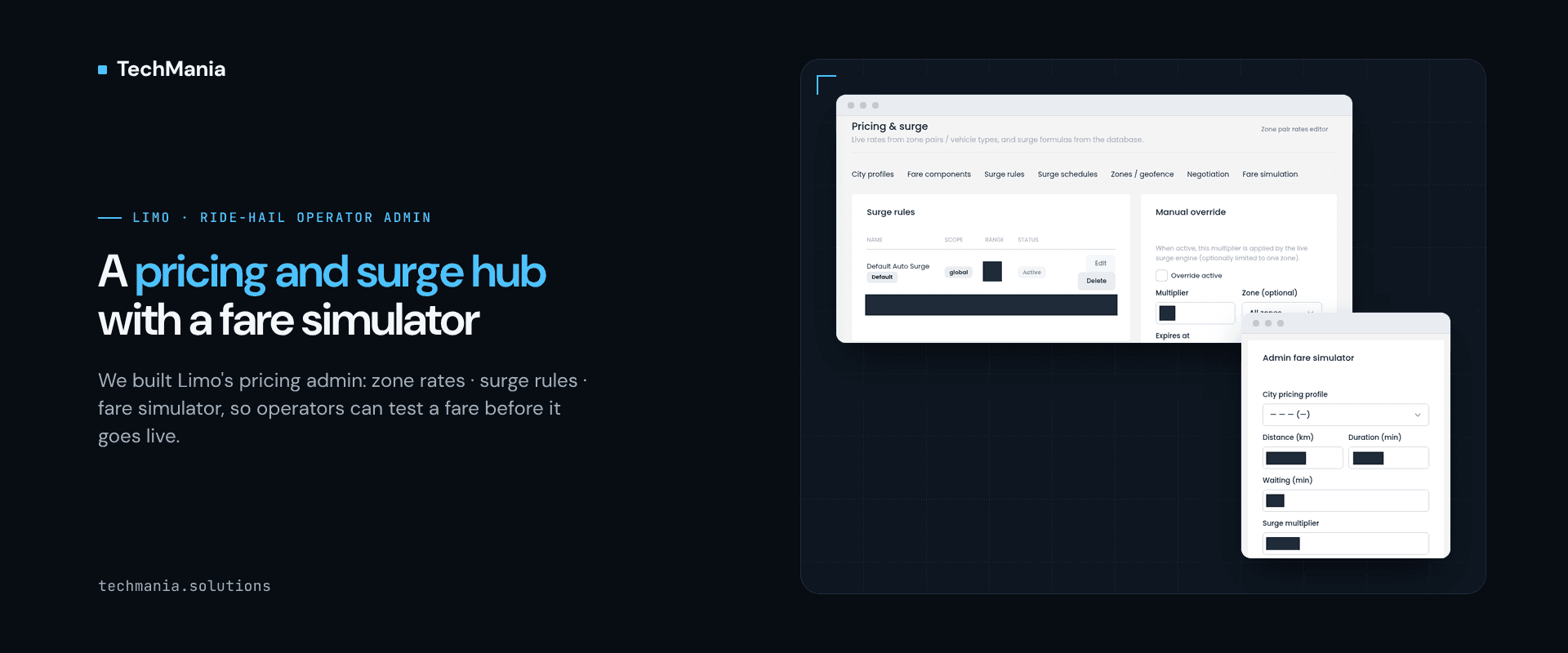
We built Limo, a ride-hailing and chauffeur platform with a driver app, a customer app and an operations admin. This case study looks at one part of the admin: pricing. Ops staff set rates per pickup zone, drop-off zone and vehicle type, compose a fare from clear components, run demand surge through rules with tiers, schedules and expiry, step in with a manual override when needed, and preview the resulting fare in a simulator before any rider sees it.
Solution
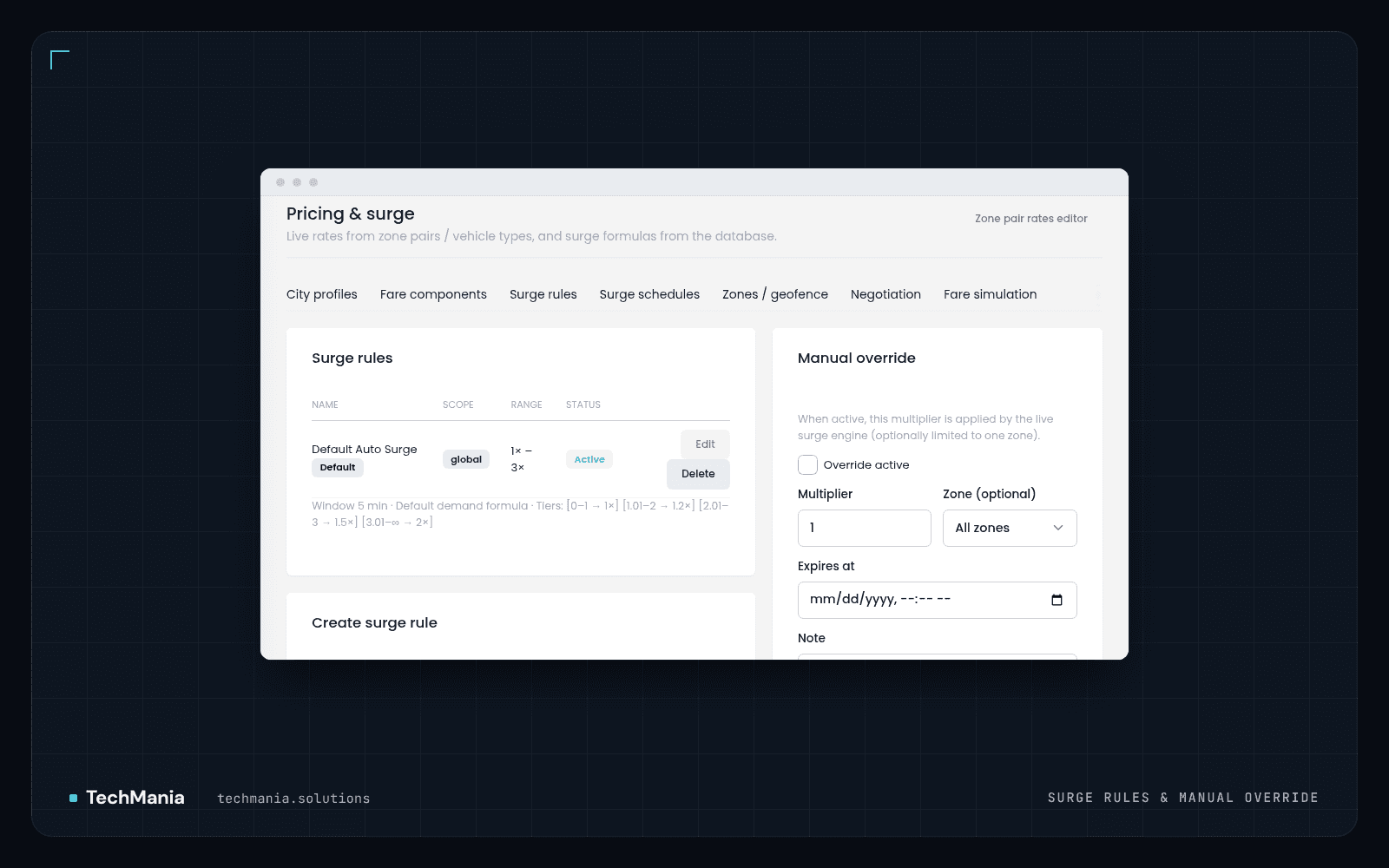
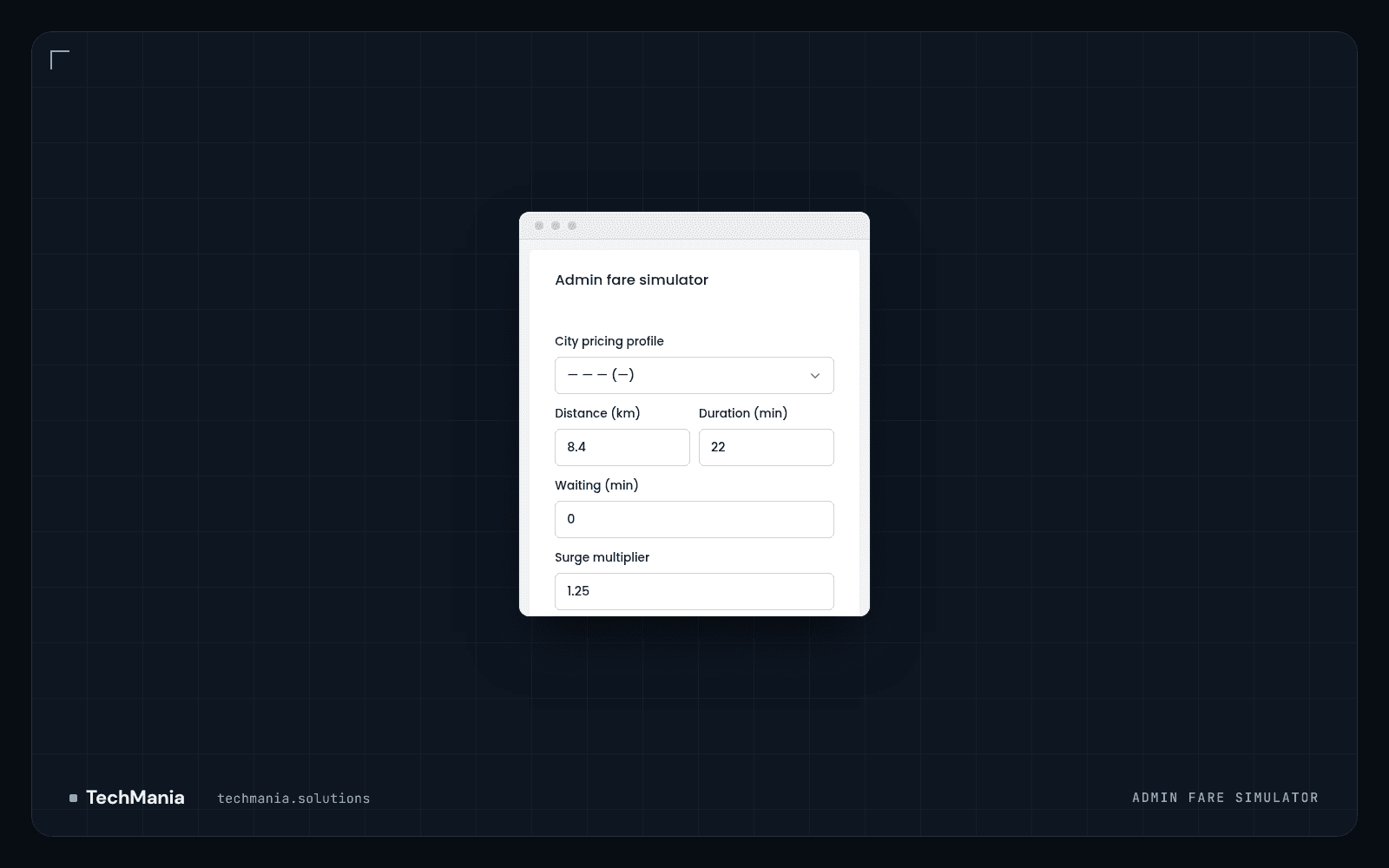
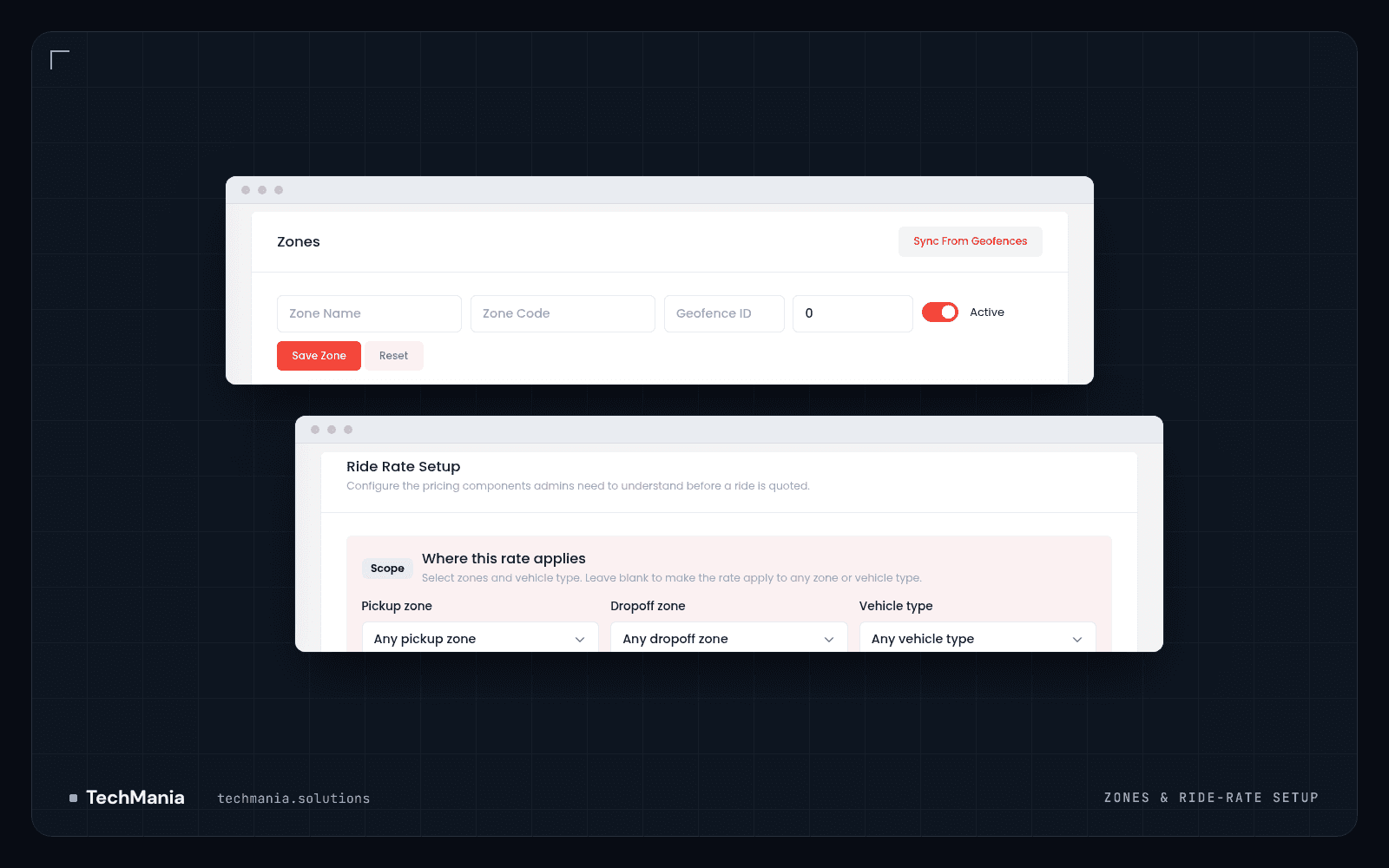
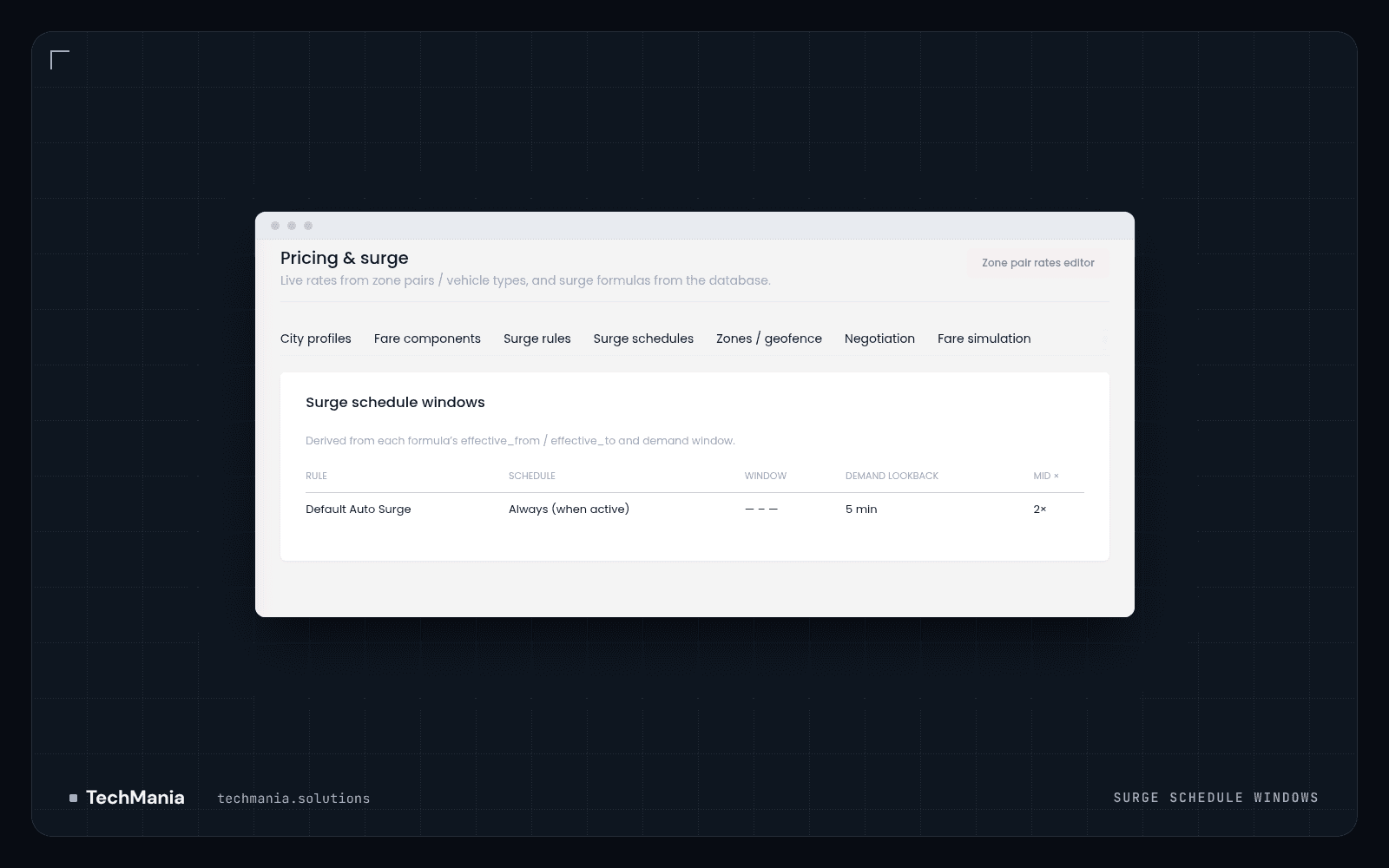
- Zones that come from the map. Operational zones can be created by hand or synced from geofences, each with a code, priority and active flag, so pricing areas match the areas the platform already knows. - Rates scoped by zone pair and vehicle type. Ride Rate Setup asks where a rate applies: pickup zone, drop-off zone and vehicle type, with "any" as the fallback. One screen covers a city-wide default and a specific airport-to-centre premium rate alike. Vehicle categories (economy, economy plus, taxi) are managed in their own catalogue. - A fare built from named components. The Fare components tab holds the defaults that make up a fare: base fare, per-kilometre and per-minute rates, minimum fare, waiting, passenger and driver cancellation, platform fee, toll, airport surcharge, night and holiday multipliers and the peak window. A component map explains how they combine. - Surge as rules, not a single switch. Surge rules have a scope (global or one zone), demand tiers that step the multiplier up as demand rises, an expiry and a note explaining why the rule exists. A manual override applies a set multiplier to the live surge engine, optionally to one zone only, until a chosen expiry time. - Schedules you can read at a glance. The Surge schedules tab lists each rule with its schedule, time window, demand lookback and multiplier, so the team can see when surge can apply without opening every rule. - A fare simulator before rollout. The admin fare simulator takes a city pricing profile, distance, duration, waiting time, surge multiplier and an airport-surcharge toggle, and previews the fare breakdown, so a pricing change can be checked against a typical trip before it goes live. - Room for negotiated fares. A Negotiation tab can turn rider offers on, with minimum and maximum offer limits, a driver counter-offer percentage and a rounding step, for markets where bidding is expected.
Results
The operations team changes zone rates, fare components and surge behaviour from the admin, limits surge by zone and time, and tests the result in the simulator before riders see it, instead of waiting for a code release or guessing what a new multiplier will do. Features: Zones synced from geofences · Ride rates by pickup zone, drop-off zone and vehicle type · Vehicle categories · Fare components (base, per-km, per-minute, minimum fare, waiting, cancellation, platform fee, toll, airport surcharge, night and holiday multipliers, peak window) · Surge rules with demand tiers, zone scope, expiry and notes · Manual surge override with optional zone and expiry · Surge schedule windows · Admin fare simulator · Rider offer / driver counter-offer settings · City pricing profiles Still changing fares by editing code? See the Limo platform (https://techmania.solutions/portfolio/limo-platform) or talk to us at https://techmania.solutions
Related project
Limo Platform
Enterprise limo & ride platform with zone-based pricing, dispatch control, Traccar live drivers, airport queues, finance ops, and safety (SOS).
View project in portfolio