For a lot of mobile products, phone-number login is the obvious choice. Customers don't want another password, service providers and drivers sign up from a phone anyway, and a six-digit code by SMS feels like the safest and simplest option. So the team wires one SMS gateway at launch, ships the "Send code" button, and moves on to features.
Months later two things tend to show up. The SMS line on the monthly bill is much bigger than anyone expected, with no matching jump in new verified accounts. And support has a steady trickle of "I never got the code" messages that nobody can check, because there is no record of what was sent, where, and whether it arrived.
Both problems come from the same place. An OTP screen is not just a login step. It is a public button that makes your company pay to send a text message to any number someone types in.
What SMS pumping actually is
SMS pumping, sometimes called artificially inflated traffic, is a simple scheme. Someone finds a form that sends an SMS, such as a signup, login or "resend code" screen, and triggers it again and again towards phone numbers that earn a share of the fee each time a message is delivered. Your app pays the gateway, the gateway pays the network, and part of that money flows back to whoever controls the numbers. No account is ever finished. Nobody ever enters a code.
Messaging providers describe two shapes of attack. One is a sudden spike overnight, which is at least easy to notice. The other is a slow, spread-out drip across many numbers that blends into normal traffic and can run for weeks. Their advice on the main warning sign is consistent: codes being sent to countries or number ranges where you have no real users.
Large consumer apps have written publicly about bots looping their verification step without ever completing signup. Smaller marketplaces and driver apps are hit the same way. They are just less likely to have someone watching.
The other half: codes that never arrive
The opposite problem costs money too, just less visibly. In many fast-growing mobile markets, SMS delivery varies by network and by route. Some codes arrive late, some never arrive, and the user taps "resend" three times before giving up.
On a two-sided marketplace that hurts more than a lost signup. If a service provider or driver cannot log back in at the moment a job request arrives, the customer waits, the job goes to someone else, or it goes nowhere. Without a delivery log, support can only say "please try again".
Why default settings are not enough
Most teams have a reasonable setup on paper. The SMS provider has some fraud settings, there may be a CAPTCHA on signup, and someone blocks a number range by hand after a bad month. The weak points are usually the same:
- Nobody compares codes sent with codes entered. That one ratio, split by country and by day, is the clearest early signal of abuse or of delivery trouble. It is rarely on any dashboard.
- Limits live only at the provider. The app's own backend lets the same phone, device or IP request code after code, and relies on the gateway to catch it.
- The app will text any country. A marketplace that only operates in a few service areas still accepts phone numbers from anywhere in the world.
- There is only one channel. If SMS fails or gets expensive on a route, there is no second option, such as a WhatsApp authentication message or a password login.
- Support is blind. There is no searchable record of which code went to which number, through which channel, and what happened to it.
What to fix first
None of this needs a large fraud product to start. If your app relies on SMS codes, here is the order we would work in.
- Measure it. Log every code request and every successful verification, and chart the ratio by country, number prefix and day in your own admin panel. Add a simple alert when sends jump without verifications following.
- Throttle in your own backend. Add cool-offs per phone number, per device and per IP, with longer waits after repeated requests. Make "resend" wait, and cap how many codes one session can ask for.
- Only text where you operate. Keep an allow-list of the countries and number prefixes you actually serve, ideally driven by the same service areas the rest of your product already uses, and refuse the rest.
- Add a second channel. WhatsApp authentication messages are a common alternative and are often cheaper than SMS in many markets, but not everyone has WhatsApp, so keep SMS as a fallback, or offer a password login for returning users. Choose the order per country.
- Give support a delivery log. Let staff open a user's record and see the codes sent, the channel, the delivery status and whether the code was entered, so "I never got it" becomes a quick check instead of a guess.
- Treat the provider and driver app the same way. The service-provider side of a marketplace usually has the most to lose from a failed login, so protect and monitor it with the same care as customer signup.
This is a product decision, not just a gateway setting
Which login methods do you offer, in which countries, and which do you push first? How many codes can someone request before they have to wait? Who looks at the numbers each week? Once those decisions are written down, the technical work is fairly contained: a few backend rules, one report and a log screen in the admin you already have. It also turns a surprise bill into a line you can predict.
Where we fit
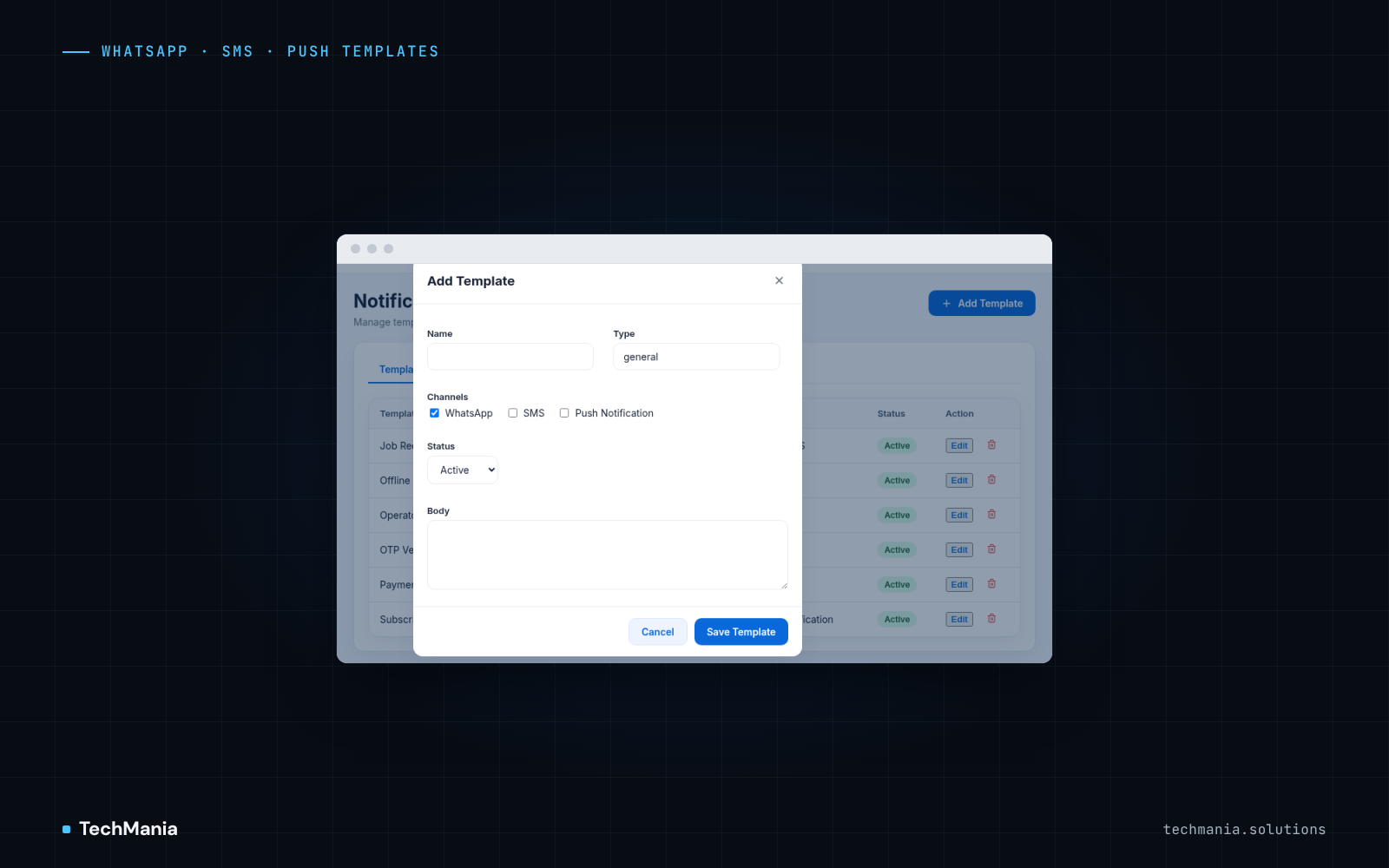
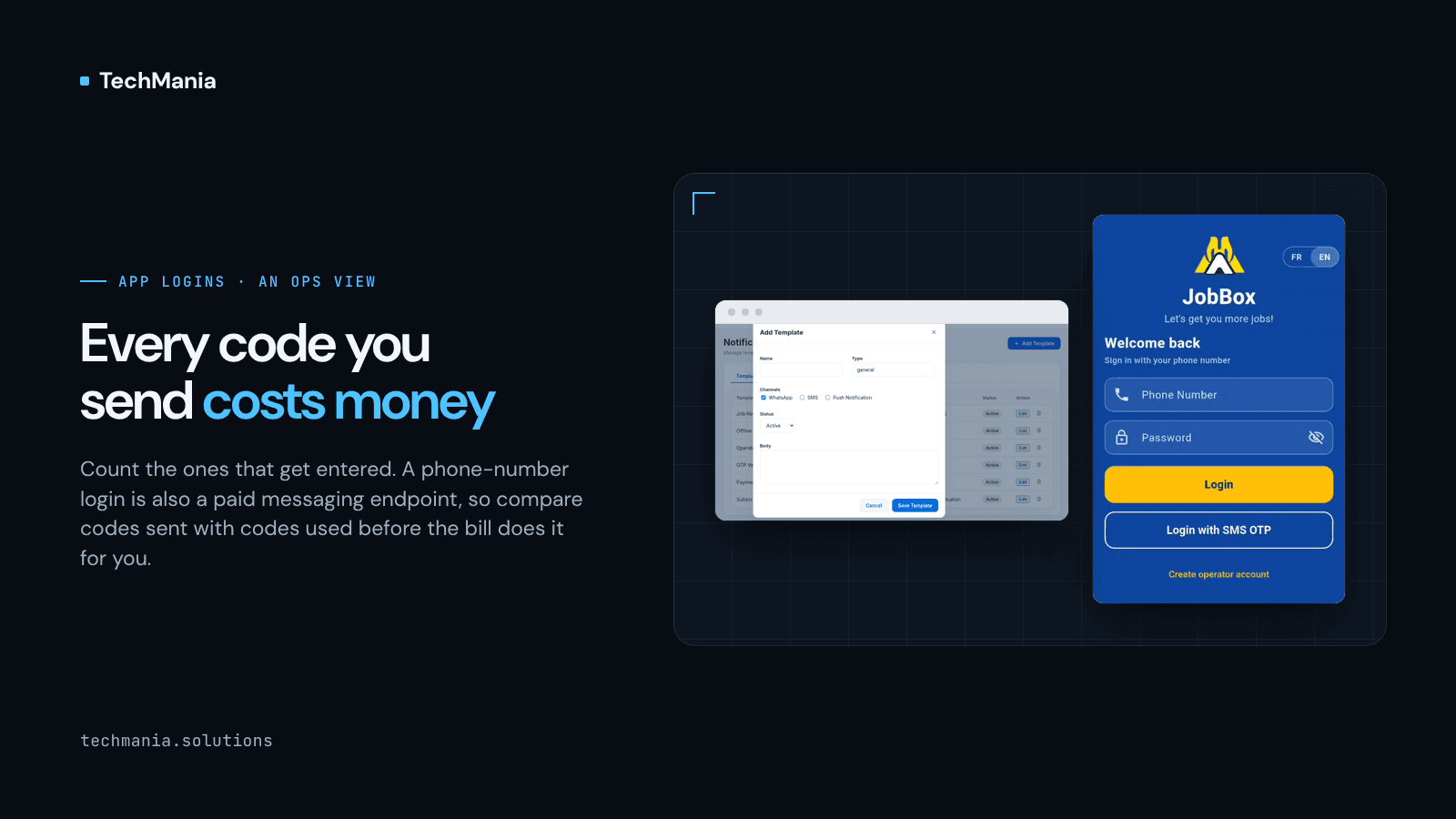
At TechMania we build mobile apps and admin panels for marketplaces and field operations. On JobBox, the service-provider app we built in Flutter, operators can sign in with an SMS code, and the JobBox Laravel admin sends notification templates over WhatsApp, SMS and push from one place. That work keeps login, messaging and the admin side of a marketplace in the same conversation.