
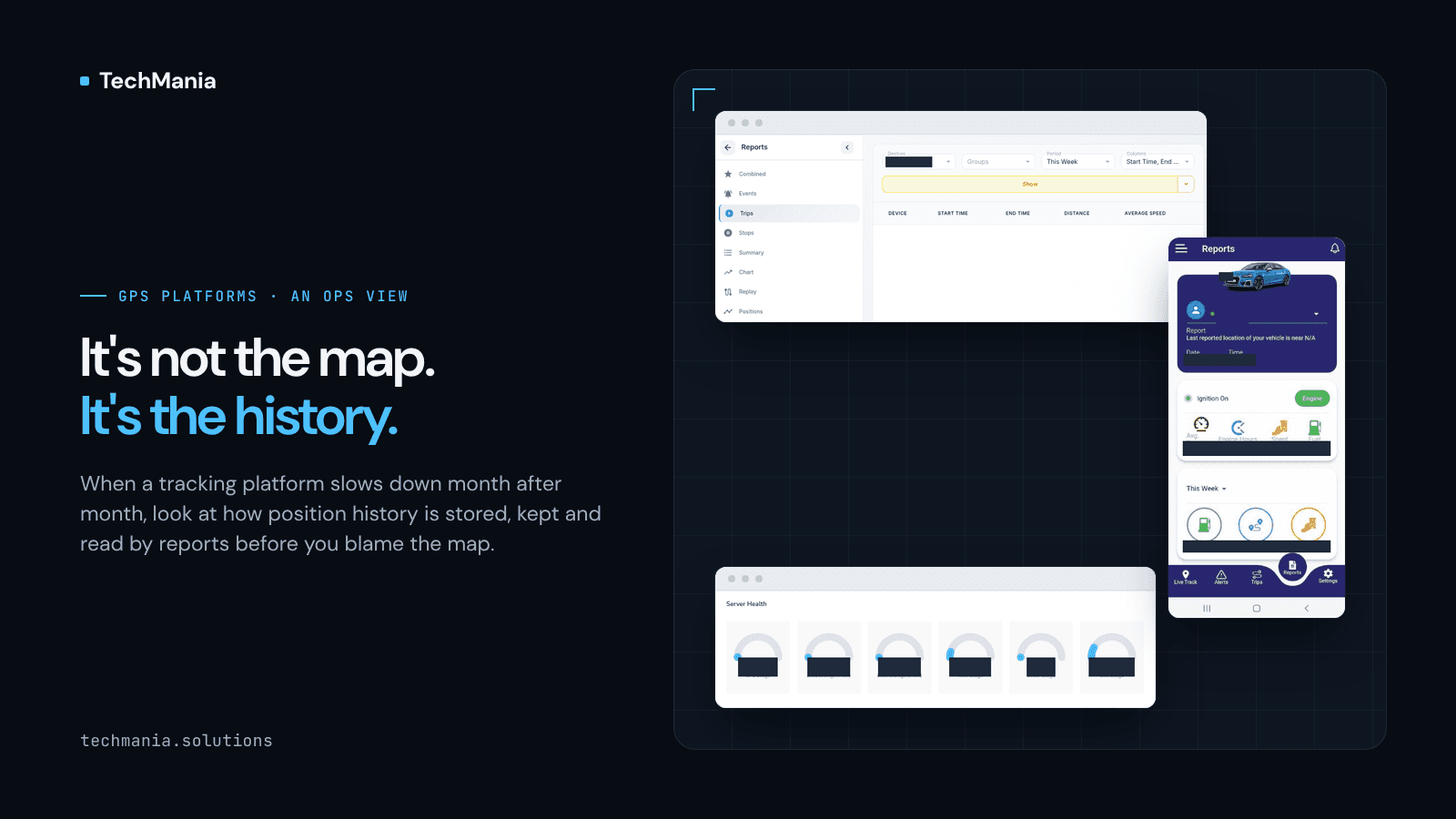
Most GPS tracking platforms feel fast in their first year. The map loads quickly, a trip report for last week comes back in seconds, and nobody thinks about the database.
Then the platform succeeds. More devices come online, customers stay longer, and every tracker keeps sending positions every few seconds, all day, every day. A year or two later the support queue starts to fill with the same complaints. "The trips report for this month just spins." "The Excel export failed again." "Playback for last quarter won't load." Some mornings, the server itself is sluggish for an hour while a cleanup job runs.
The usual first reaction is to blame the front end or buy a bigger server. Neither tends to fix it for long, because the map was never the problem.
The table nobody planned for
On a Traccar-based platform, almost everything a customer sees is built from two growing collections of data: positions and events. Live tracking only needs the latest point per device. Trips, stops, summaries, charts, replay and exports all need history, and they usually read it straight from the raw positions.
That works while the history is small. It stops working when the same table holds years of points for every device, because every report now has to search through far more data than it returns. Traccar's own documentation is candid about this: on busy servers, positions, events and logs are what fill the disk, and it recommends cleaning up history in small batches and making sure the time columns that reports filter on are indexed. The public Traccar forum has years of threads from operators who found the same thing the hard way, with reports timing out, large spreadsheet exports running out of memory, and built-in cleanup tying up the server while it worked.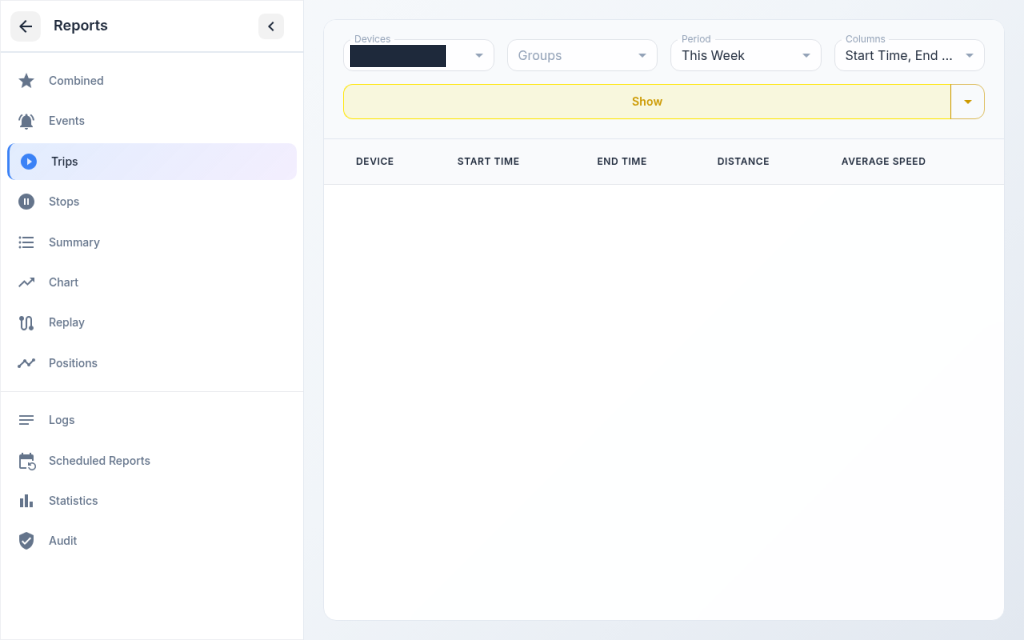
None of this is a flaw in Traccar. It is what happens to any time-series data that nobody gives a plan.
Four habits that slow a platform down
When a tracking product slows down month after month, the cause is usually a combination of four habits rather than one bug.
Keeping everything, for everyone. There is one global history setting, or none at all. A customer on the cheapest plan keeps the same years of raw points as your largest fleet, and nobody decided that on purpose.
Deleting in one big job. When history finally gets trimmed, it happens in a single large delete, often during working hours. The database locks up while it runs, and new positions can be delayed or dropped while it does.
Reading raw points for every report. A monthly distance summary does not need every position recorded that month, but it is often calculated from them anyway, live, each time someone opens the report. Address lookups for every row make it slower still.
Exporting through spreadsheets. Large history exports are generated as one big spreadsheet file in the middle of a web request. That is fine for a day of data and fragile for a quarter. Spreadsheet reports are simply not designed for very large row counts.
What to fix first
The good news is that most of this is a planning problem with a known order of work. If your platform is heading this way, here is where we would start.
- Measure before you change anything. Find out how large the positions and events tables are, how fast they grow each day, and which reports are slow for which customers. A small admin page with table sizes, growth and the slowest reports turns a vague "it's slow" into a list.
- Check the indexes your reports depend on. Reports filter by device and by time. If those columns are not indexed the way the queries use them, every report pays for it. This is often the cheapest fix available.
- Write a retention rule per plan. Decide how many months of raw history each customer plan includes, and set it from your own admin panel rather than one server setting. It becomes part of the product, something customers can see and upgrade.
- Clean up in small batches, off peak. Delete old history in small chunks outside busy hours, and keep each device's latest position and any events your product still points to.
- Build reports from daily summaries. Store per-device daily totals such as distance, trips, engine hours and fuel, and let monthly and yearly reports read those instead of raw points. Keep raw history for playback and evidence, for as long as the plan says.
- Move big exports to background jobs. Generate large exports as CSV files in the background and notify the user when they are ready, instead of building a spreadsheet while the browser waits.
- Plan the bigger database move only if you need it. For very large fleets, a time-series setup on PostgreSQL, such as TimescaleDB, which the Traccar community increasingly discusses, can partition history by time. It is a real migration, so it is worth doing after the cheaper steps above, not instead of them.
Why this is a product decision, not just a server task
It is tempting to treat all of this as maintenance for whoever runs the server. In practice, the most important choices are product ones. How much history does each plan include? Which reports must be instant, and which can arrive as a file a few minutes later? What do you keep as evidence for disputes, insurance or rental contracts, and for how long?
Once those answers are written down, the technical work becomes much simpler, and customers stop being surprised by what is, or is not, still there.
Where we fit
At TechMania we build branded tracking products on Traccar. We built UTrack end to end for Utrack Inc, with a Laravel admin and Flutter apps for iOS and Android. We built Trafco Track end to end for TRAFCO TRACKING (PRIVATE) LIMITED, including playback, trips and reports in its Flutter app. And we customized the Traccar frontend and backend for GBL Tracking System. That work keeps us close to how real fleets use history: playback, trips, summaries and exports are the screens customers open most.
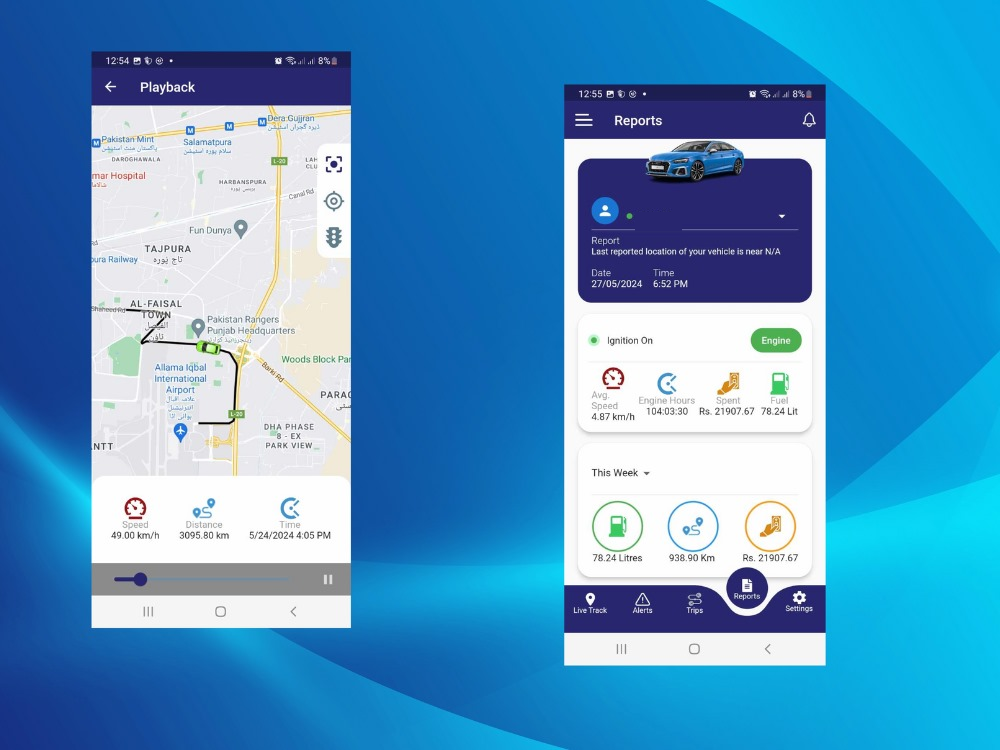
If your Traccar-based platform is getting slower as it grows, we can help you scope a database health check and a retention plan that fits your customer plans, then put the pieces in place inside your own admin. Talk to us at https://techmania.solutions.