
The inbox nobody reads
Geofences are one of the first things a fleet sets up once GPS tracking goes live. Draw a circle around the depot, another around each rental station, a few around customer sites, maybe a border or a restricted area. Turn on enter and exit notifications. Done.
A few weeks later the picture is different. The ops inbox gets an email every time a van comes home for lunch. A car parked near a station boundary produces "exit, enter, exit" as its GPS position drifts by a few metres. Shop arrivals, routine depot returns and a genuine after-hours exit from a restricted yard all look the same: one more line in one more feed. Someone creates a mail filter. Someone else mutes the app. And the alert that should have started a phone call at 2 a.m. sits unread until morning.
That is the geofence problem most rental fleets, leasing companies and insurance-backed telematics operators actually have. It isn't a shortage of zones. It's a shortage of decisions about what each zone is for and who acts when it fires.
Why more zones make it worse
Fleet operations guidance published in September 2026 makes the point bluntly: most "bad" geofence alerts are a configuration problem, not a tracking problem. Rental telematics vendors market geofences around stations, borders, ports, cleaning bays and prohibited zones, with alerts on entry, exit, late returns and unauthorized movement. All of that is useful. But every new fence is also a new source of events, and without rules the volume grows faster than anyone's attention.
Four patterns show up again and again:
- Entry and exit share one rule. A routine arrival at the depot is treated exactly like a vehicle leaving a secure lot at night.
- No allowance for GPS drift. A vehicle parked near a boundary flips in and out of the zone and fires repeatedly.
- No sense of time. A depot exit at 9 a.m. is normal. The same exit at 3 a.m. is not. One rule can't tell them apart.
- No owner. Security, maintenance, dispatch and the rental desk all receive the same alerts, so in practice nobody owns them.
Overlapping fences and rules that nobody remembers creating make it worse over time. Unless someone prunes them, they become permanent noise.
Give every zone a purpose
The fix starts before any software change. List your zones and give each one a purpose in plain words: depot, rental station, workshop, customer site, restricted area, border. The purpose decides what "normal" looks like.
- At a depot, entries are routine and exits outside working hours are interesting.
- At a rental station, an entry is a signal that a car is coming back and the desk can prepare.
- At a workshop, entry and exit matter to maintenance, not to security.
- At a restricted area or border, an entry is the event, and it may have billing or contract consequences.
Once a zone has a purpose, you can decide which direction matters, which hours matter, and who should hear about it.
Split the rules, add dwell and hours
With purposes agreed, the rules get simpler and quieter:
- Separate entry from exit. Turn on only the direction that matters for that zone purpose.
- Add a dwell condition. Only fire if the vehicle stays inside, or stays outside, for a set number of minutes. This removes most of the gate wobble.
- Add time windows. Treat working-hours movement and after-hours movement as different alerts.
- Size the zone for reality. A tight circle around a building in a dense area will pick up drift. A sensible buffer, or a shape that follows the lot, helps.
None of this needs a new tracking device. It needs a platform that lets you express those rules and keep them visible.
Route each alert to one role
The biggest single change is ownership. Each alert type, for each zone purpose, should go to one role that can act on it: security for after-hours exits, maintenance for workshop arrivals, the rental desk for station returns, the risk or insurance desk for restricted-area entries. Everyone else can still see the history, but only one person is expected to respond.
When alerts have owners, they can be treated as a queue rather than a stream. That means three things in the tool:
- Filters by type and time, so the security lead can look at "geofence, last 7 days, unread" without wading through speed and online/offline events.
- Read state and mark-read, so "handled" is visible and the counter means something.
- Reports for audit, so you can answer "how many after-hours exits did we have from that yard this month, and what happened?" without digging through email.
Keep it tidy
Geofences need maintenance like any other configuration. Once a quarter, review which zones produced alerts nobody acted on, merge overlapping fences, delete zones for sites you no longer serve, and check that every alert type still has an owner. If a rule fires constantly and is always ignored, change it or remove it.
What this looks like in a real platform
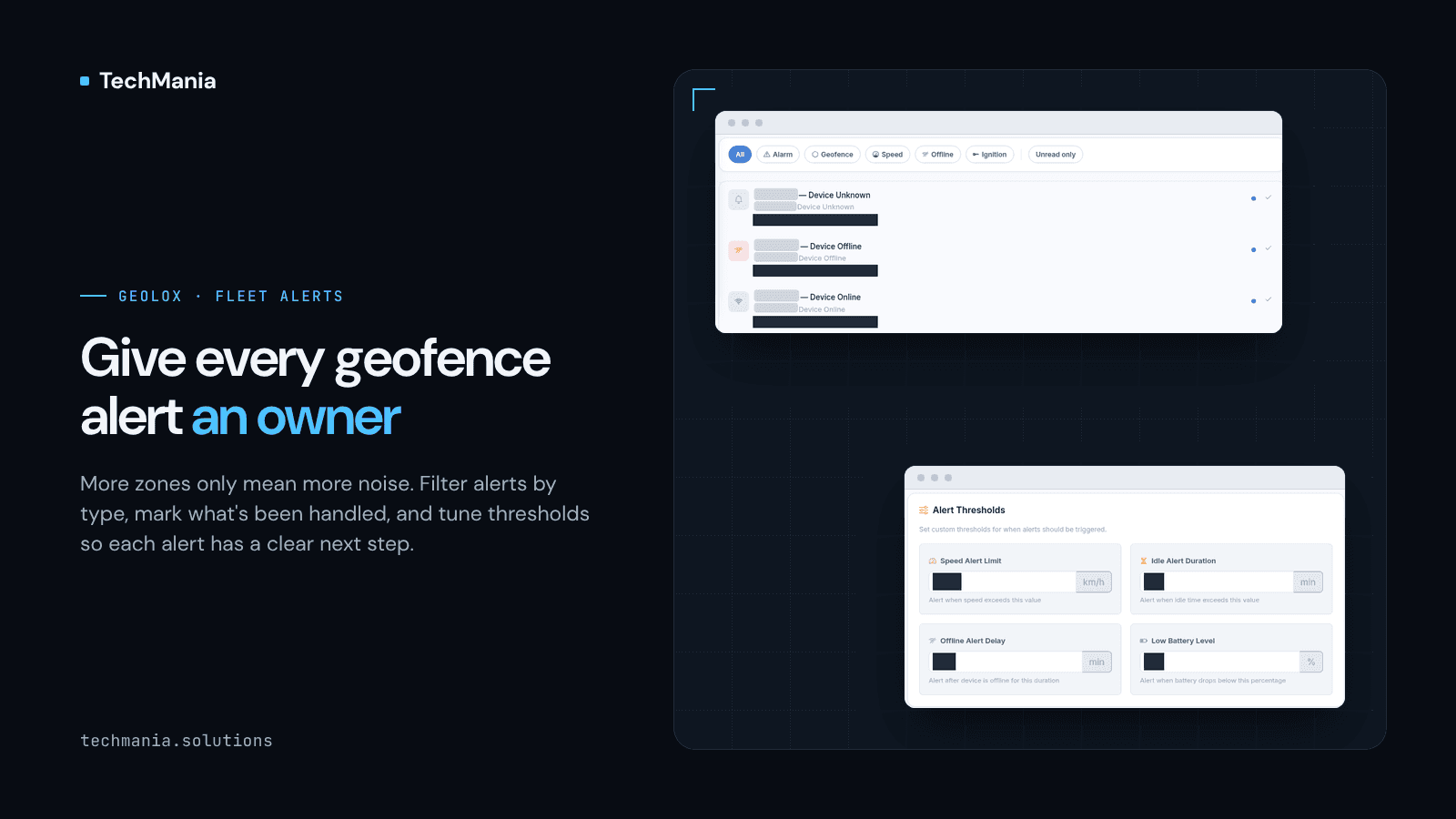
We work on this pattern in GeoLox, a fleet risk and mileage telematics platform. We built GeoLox Admin, and we built and customized the GeoLox customer portal for a client. In the portal, geofence zones are created on a map and their enter and exit events feed the alerts and the reports. The alerts hub has counters for unread, alarm, geofence, speed and online/offline events, Today / 7 days / All time ranges, type filters for alarm, geofence, speed, offline and ignition, an Unread only view and Mark All Read. Alert thresholds for speed, idle time, offline delay and low battery sit alongside, and the Reports Center includes a geofence report.
That is the queue side of the problem. Zone purposes, dwell rules, after-hours windows and per-role routing are the next layer we design with fleets that want their geofences to drive actions rather than emails. Every fleet's zones and roles are different, so we start from your list of zones and who should own each alert.
Where to start this week
Pull your last month of geofence alerts. Count how many were acted on. For the rest, ask which zone they came from and what that zone is for. You will usually find a handful of zones producing most of the noise, and a handful of alert types with no owner at all. Fix those first.
If you run a rental, leasing or insurance-backed fleet and your geofence alerts have turned into an inbox nobody reads, we can help you turn them into a queue your team owns. Talk to us at techmania.solutions.